
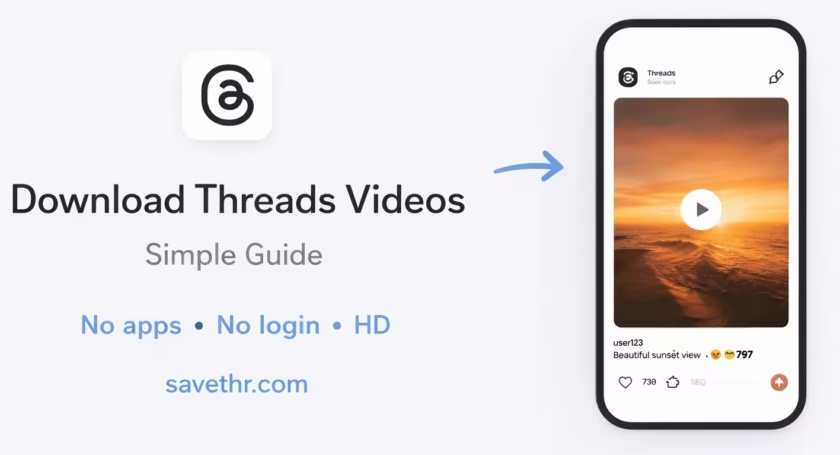
Threads has become a fast-moving place for short videos, visual updates, and casual discussions. As more creators publish video content there, more users want a simple way to save posts they may want to revisit later. That could be a tutorial, a useful clip, or something worth keeping offline.
The issue is simple: Threads does not include a built-in download option for videos. Saving a post inside the app is not the same as saving the file to your device, and bookmarks do not help much if the post gets deleted or is harder to find later.
That is why browser-based download tools have become a practical option. Instead of installing an app, users can usually copy a post link, paste it into a tool, and save the video in a standard format. This step-by-step structure is also how leading Threads download pages explain the process.
How Threads Video Download Tools Work

Most tools work in a very similar way. They take the URL of a Threads post, detect the available media, and generate a downloadable file.
The main advantage is convenience. Everything happens in the browser, so there is no need to install extra software or use an extension.
| Feature | Description |
|---|---|
| Browser-based | Works in Chrome, Safari, Edge, and Firefox |
| No installation | No apps or plugins required |
| Fast processing | Post links are usually processed in seconds |
| Common file type | Videos are generally saved as MP4 files |
In most cases, an online Threads video downloader only needs the original post link to work.
Step-by-Step Guide to Download a Threads Video

The process is simple and works on both desktop and mobile devices.
1. Find the Threads post
Open Threads and go to the post that contains the video you want to save.
2. Copy the post link
Tap the share button below the post and choose the option to copy the link. That URL is what the downloader uses to locate the video.
3. Open the downloader
Next, open an online Threads video downloader in your browser. Paste the copied Threads link into the input field on the page.
4. Let the tool process the link
Once the link is inserted, the tool scans the post and prepares the available media. This usually takes only a few seconds.
5. Save the file
When the video is ready, click the download button and save it to your device. Most services provide the file in MP4 format, which works well on phones, tablets, and desktop computers.
This process is almost the same as downloading TikTok videos without a watermark.
Why People Save Threads Videos
There are several practical reasons users choose to download videos instead of only keeping the post bookmarked.
Some want offline access while traveling. Others save tutorials, creative references, or useful clips they may want to revisit later. Since social feeds move quickly, storing a file locally can be the easiest way to keep track of content that matters.
This is especially helpful for short educational videos, creator insights, visual examples, or posts that may not stay visible forever.
A Few Things to Keep in Mind
The quality of the downloaded video usually depends on the original upload. If the post was uploaded in higher quality, the saved file will generally reflect that.
It is also best to copy the link directly from the original Threads post. In some cases, reposted or embedded versions may not work as reliably as the source URL.
Another practical point is speed. Browser tools are often easier to use than random apps or extensions because they do not require installation, account access, or additional permissions.
A Straightforward Way to Save Threads Videos
If you want to keep a Threads video on your device, the easiest method is usually a browser-based downloader. The process is quick: copy the post link, paste it into the tool, and save the file.
For users who regularly collect useful clips, references, or videos for offline viewing, an online Threads video downloader offers a simple and practical solution without adding extra software to the device.
Если хочешь, я теперь могу сразу сделать третью, уже более сильную версию — с чуть более “журнальной” подачей под аутрич-площадку.

