
In today’s digital age, social media platforms like X (formerly Twitter) are filled with engaging videos that we often want to save for offline viewing, sharing, or archiving. Whether it’s a hilarious clip, an informative tutorial, or a viral moment, downloading these videos shouldn’t require installing bulky software or paying for premium services.
Fortunately, there’s a simple, free online method that works directly from your web browser. In this article, we’ll explore the easiest way to download videos from X using an easy-to-use online tool. This versatile platform not only handles X videos but also supports downloads from other major social media sites.
Why Choose an Online Tool for Video Downloads?
Downloading videos online without apps offers several advantages:
- No Installation Required: Access it from any device with a browser, including smartphones, tablets, or computers.
- Free and Fast: No hidden fees or lengthy processes.
- User-Friendly: Ideal for beginners, with minimal steps involved.
- Privacy-Focused: No need to log in or share personal data.
One standout tool in this space is Vidssave.com, which provides a seamless experience for grabbing videos from X and beyond. Best of all, it’s completely free and doesn’t require any registration.
Step-by-Step Guide to Downloading a Video from X (Twitter)
Follow these straightforward steps to download any video from X without hassle:
- Find the Video on X: Open your web browser and navigate to X.com (or use the X app if you’re on mobile, but switch to browser mode for easier copying). Locate the video you want to download. Click on the post to expand it if needed.
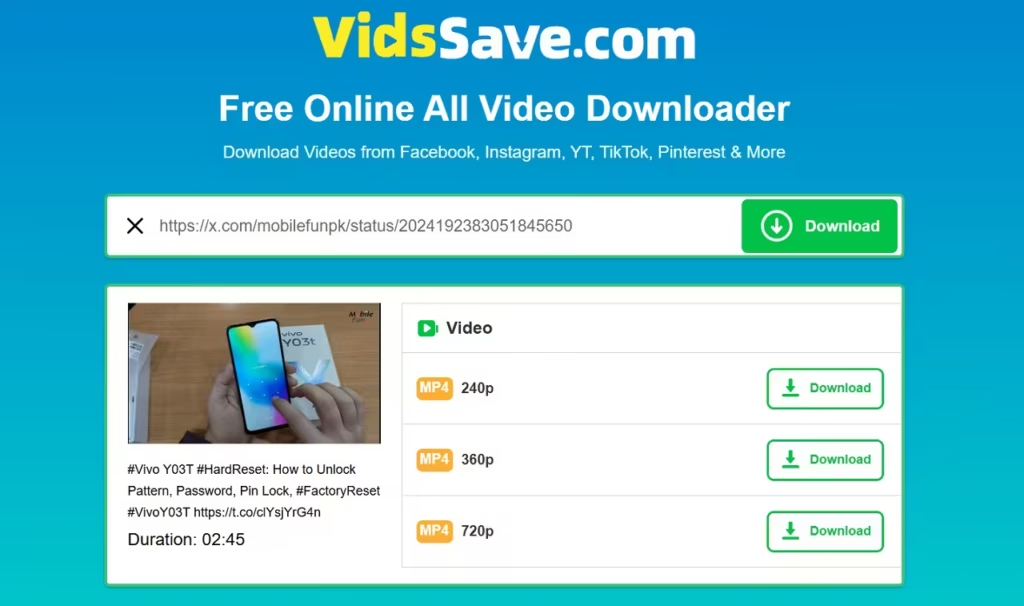
- Copy the Video URL: Right-click on the video (or tap and hold on mobile) and select “Copy video address” or similar. Alternatively, copy the entire post URL from the address bar—it should look something like “https://x.com/mobilefunpk/status/2024192383051845650“. This link contains the video.
- Visit Vidssave.com: Go to vidssave.com in your browser. The homepage features a simple interface with a URL input field.
- Paste the URL: In the provided box (usually labeled “Enter Video URL” or similar), paste the copied link from X.
- Select Download Options: Click the “Download” or “Fetch” button. The tool will process the link and present download options, such as video quality (e.g., HD, SD) and format (typically MP4 for compatibility).
- Download the Video: Choose your preferred option and click “Download”. The file will save directly to your device’s downloads folder. No watermarks or ads are added to the video.
That’s it! The entire process takes less than a minute, and you can repeat it for as many videos as you like. Note that while this method is free and easy, always respect copyright laws and the original creator’s rights—download only for personal use.
Beyond X: Downloading from Other Platforms
Vidssave.com isn’t limited to X. This free online tool allows you to download videos from a wide array of famous social media platforms, including:
- YouTube: Grab full videos or shorts effortlessly.
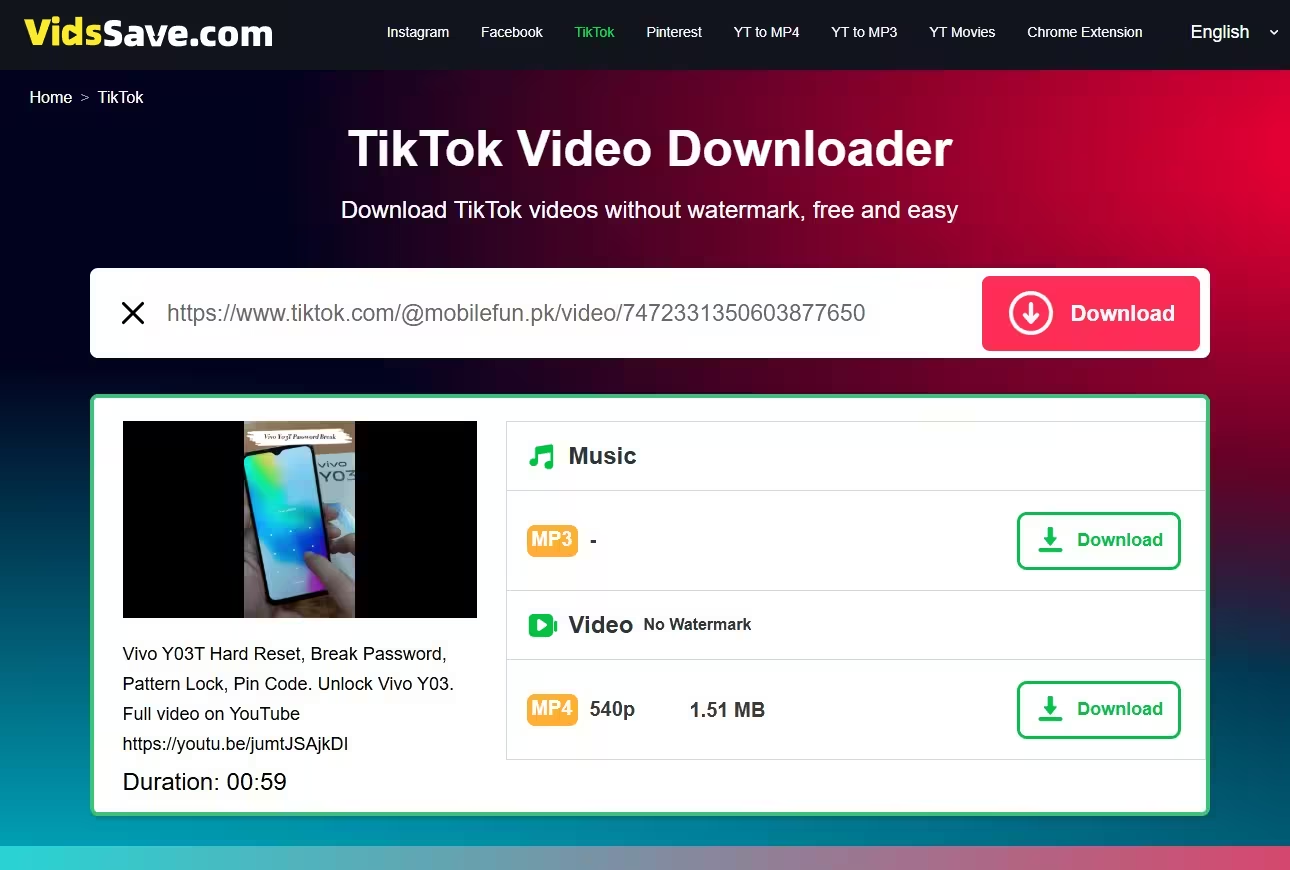
- TikTok: You can use this tool for Tik Tok video download online without watermark.
- Facebook: Download reels, stories, or posted videos.
- Pinterest: Extract pins with embedded videos.
- Instagram: Pull down reels, stories, and IGTV content.
- Twitter (X): As detailed above, perfect for tweets with videos.
- And more: It supports additional sites like Vimeo, Dailymotion, and others.
The process is identical across platforms—just copy the video URL, paste it into Vidssave.com, and download. This makes it a one-stop solution for all your social media video needs.
Bonus Feature: Convert YouTube Videos to MP3
If you’re specifically dealing with YouTube content, Vidssave.com offers an extra perk: the ability to convert videos to MP3 audio files. This is great for extracting music, podcasts, or speeches without the video component, saving space on your device.
To use this:
- Copy the YouTube video URL.
- Paste it into Vidssave.com.
- Select the MP3 conversion option from the download menu.
- Download the audio file directly.
This feature is free, quick, and maintains high audio quality, making it ideal for building offline playlists.
Final Thoughts
Downloading videos from X or other platforms doesn’t have to be complicated. With Vidssave.com, you get a reliable, app-free solution that’s accessible anytime, anywhere. Whether you’re saving content for inspiration, education, or entertainment, this tool streamlines the process while supporting multiple sites and even audio conversions.
Give it a try next time you spot a must-save video—it’s as easy as copy, paste, and download! Remember to use such tools responsibly and in compliance with platform policies.


